
Ordering paper rolls in the Tyro Portal
- Visit https://merchant.tyro.com and login with your email and password
- Click the Self-service option in the left-hand navigation bar
- Click Order EFTPOS machine paper
- Select the number of boxes you wish to order for your EFTPOS machines
- Large paper rolls are $25 (+GST) and include 20 rolls per box
- Small paper rolls $35 (+GST) and include 48 rolls per box
- Click Checkout
- Confirm the delivery address for the order. You can select from your registered trading locations or can specify a different delivery address
- Click Confirm Order
- You will receive a confirmation email once your order has been shipped
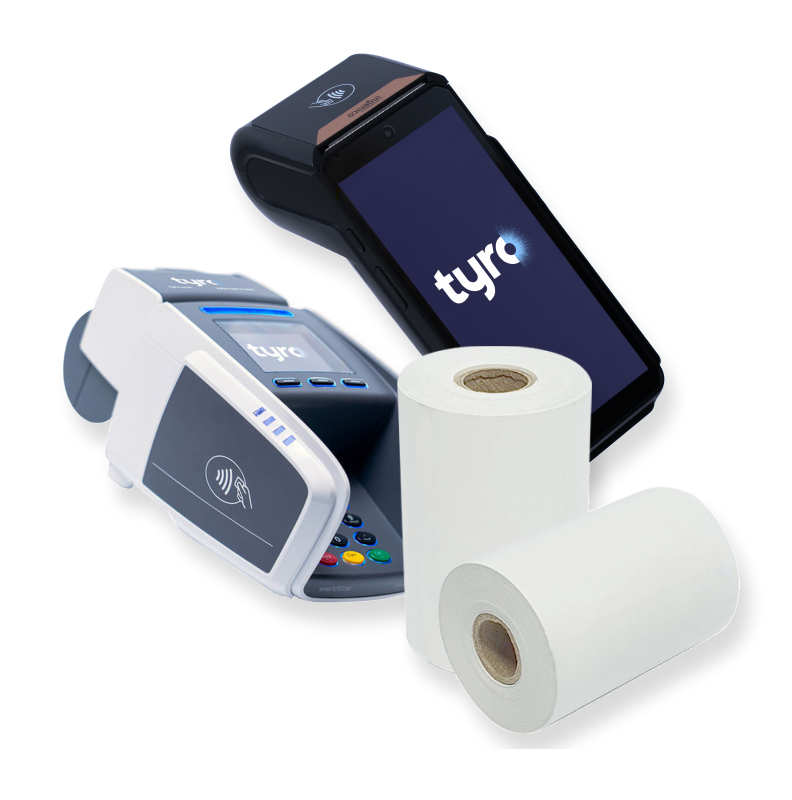
Ordering paper rolls in the Tyro App
Log in to the Tyro App on your device
- Go to the Settings menu – on Android™ it’s the 3 lines in the top left corner of the screen, and on iOS the settings is in the bottom right corner
- Select Order EFTPOS machine paper
- If you have multiple Merchant IDs (MIDs) you will need to choose which one the order is for
- Select the number of boxes you wish to order for your EFTPOS machines, then press Next
- Large paper rolls are $25 (+GST) and include 20 rolls per box
- Small paper rolls $35 (+GST) and include 48 rolls per box
- Confirm the delivery address for the order. You can select from your registered trading locations or can specify a different delivery address
- On the next page there will be an order summary – if the details are correct press Order; this will send the request to the Customer Support team to be processed
- You will receive a confirmation email once your order has been shipped

If you need assistance with paper orders, the Tyro local support team is available for general enquiries on 1300 00 TYRO (8976) from 7am – 9pm (Sydney time), 7 days a week. For critical issues outside these hours, simply dial the support number and select the emergency support option.
The Paper Roll FAQs on the Tyro Website
Click the button below if you need to access the Tyro Paper Rolls FAQ webpage.