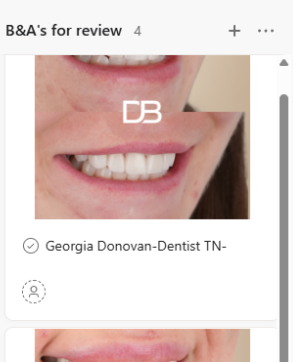

We use Asana to review Before & After (B&A) Photos.
Logging in to Asana
Access Asana using this link:
Username:
marketing@dentalboutique.com.au
Password:
Smile-2020
Navigation
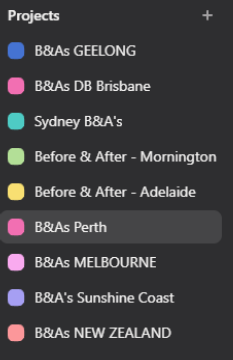
On the left hand side you will see several clinic locations > click on your location.
One you have selected your clinic location, you will see a pipeline appear.
The main pipeline you need to be reviewing is B&As for review.
Review the images, and make any necessary comments – for example, you may need to recommend that the patient come back for a review, etc.